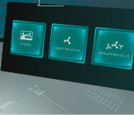
What is Molecule Builder?
Molecule Builder is an immersive VR chemistry lab where students construct 3D molecules atom by atom — bonding atoms together, predicting each molecule’s geometric shape using the VSEPR model, and determining its polarity from electronegativity values.
Designed for high school and introductory college chemistry, the experience reinforces core standards-aligned concepts in bonding, molecular structure, and intermolecular interactions (NGSS HS-PS1: Matter and Its Interactions) through hands-on practice that’s difficult to replicate with flat models or drawings.
Application Overview
The Molecule Builder experience is set in a futuristic laboratory. Students can work with twelve different molecules.

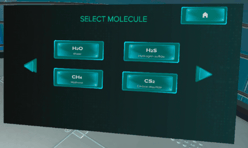
Water, Hydrogen Sulfide, Methane, Carbon Disulfide, Formaldehyde,
Hydrogen Chloride, Ammonia, Carbon Tetrachloride, Hydrogen Cyanide,
Carbon Dioxide, Nitrosyl Fluoride, Phosphorus Trichloride
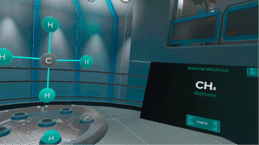
Navigating the VR App
This experience is available with controllers only. The following controls are used throughout the application to move, interact with objects, and complete activities.
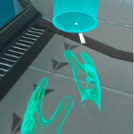
Move Around the Environment
Release the thumbstick to move to that location.
|
 |
Grab Objects
Release the grab button to let go.
|
 |
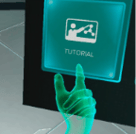
Press Buttons & Menus
Tap the button to select.
|
 |
|
1. Choose a Module
You can switch modules at any time using the Home button on the right side of the menu.
|
|
|
2. Using Molecule Builder: The Three-Phase Workflow Whichever module you choose, every molecule is completed using the same three phases.
|
|
|
Phase 1 — Build the Molecule
|
|
|
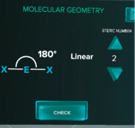
Phase 2 — Molecular Geometry
|
|
|
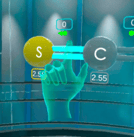
Phase 3 — Molecular Polarity
|
|